Create Your Garmin AXIS Panel

Create Your Garmin AXIS Panel

ACEST PRODUS SE ADUCE LA CERERE.

VA RUGAM SA NE CONTACTATI PENTRU O COTATIE DE PRET SI TERMEN DE LIVRARE.

Out of Stock
Cantitate


Garanția produselor și serviciile post-vânzare


Livrare, transport și ridicare din Showroom


Condiții de returnare și dreptul de retragere

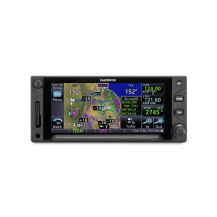
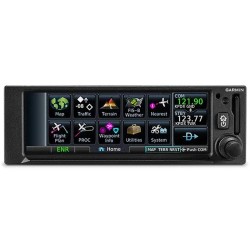
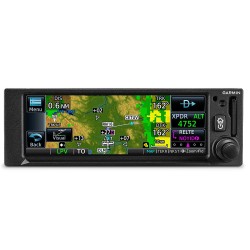
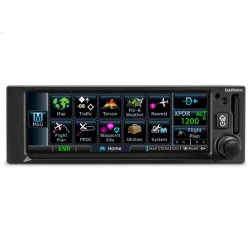
Garmin AXIS Flight Displays

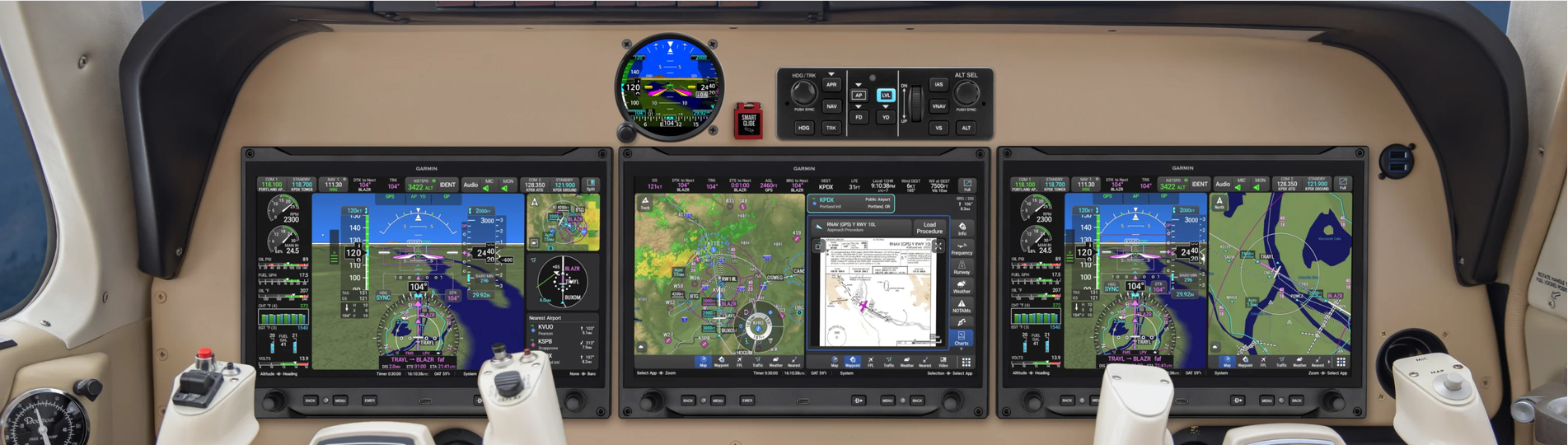
Create Your AXIS™ Panel

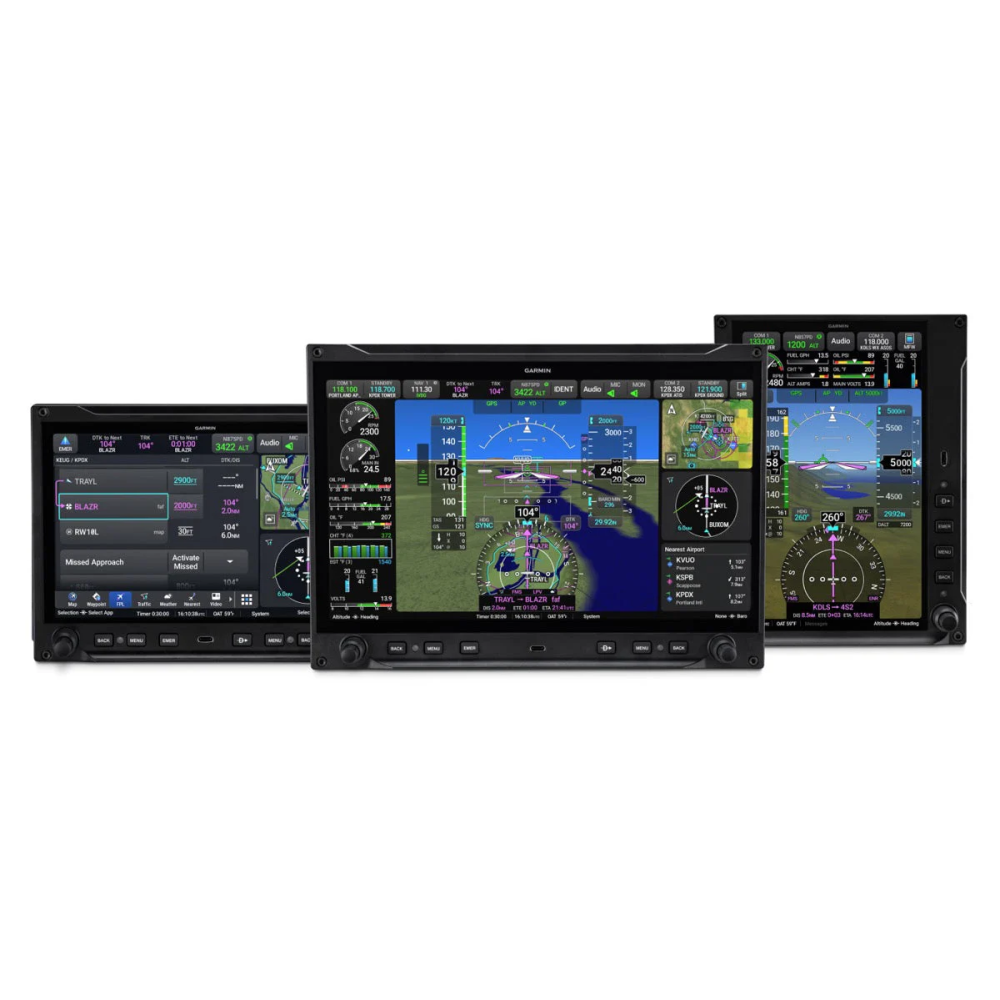
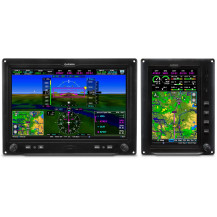
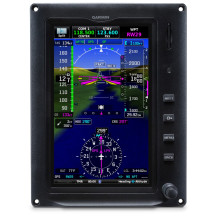
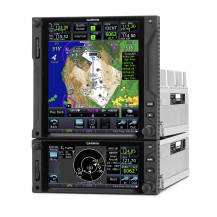
AXIS flight displays are the most customizable, configurable and expandable systems that Garmin has ever released for homebuilt and light general aviation aircraft.

Building Your AXIS System

Learn more about how you can create your new panel with AXIS flight displays.


Step 1 - Select Your Flight Displays

Step 1: Select Your Flight Displays

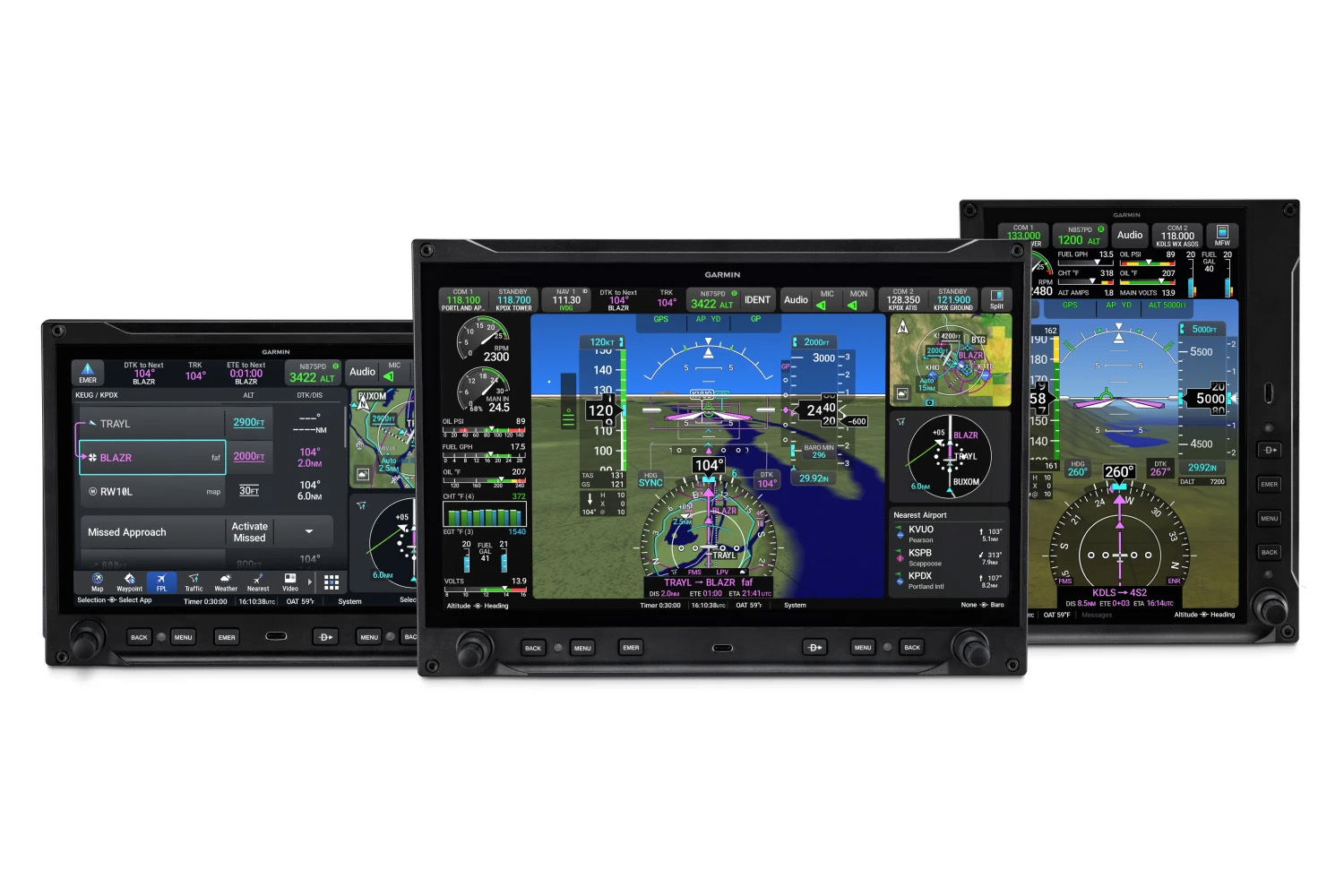
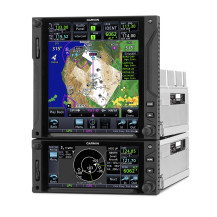
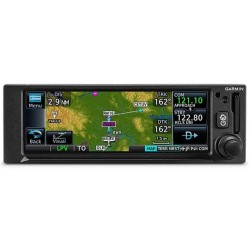
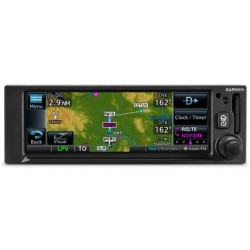
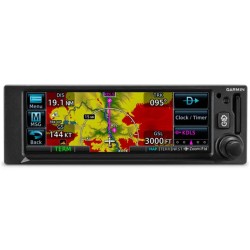
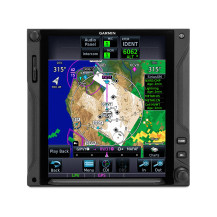
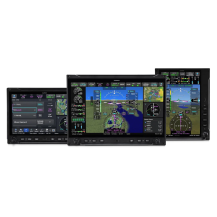
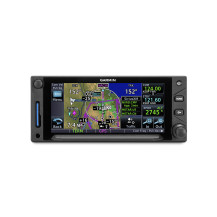
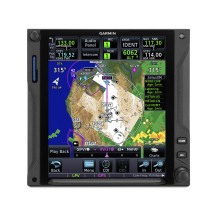
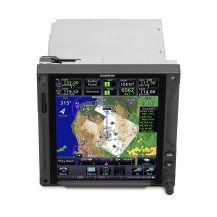
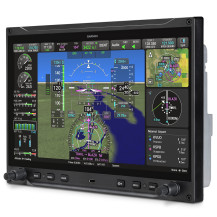
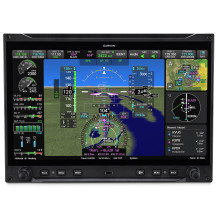
AXIS offers 3 display formats. You can mix and match displays to fit your panel space and aircraft type. Choose up to 6 displays for experimental aircraft or 4 for certified aircraft, depending on your budget and needs. You can choose 11.6-inch models with optional integrated IFR GPS, NAV/COMM or COMM radios and audio panel. Or use external GPS, radios and audio panel. AXIS displays are compatible with most Garmin systems.

Step 2 - Select Your System Sensors and Connector Kits

Step 2: Select Your System Sensors and Connector Kits

To provide highly accurate air data and attitude heading reference information, AXIS requires a sensor LRU kit, which includes a GSU 25 ADAHRS, GMU magnetometer and GTP 59 air data probe.

Step 3 - Select Your Options

Step 3: Select Your Options

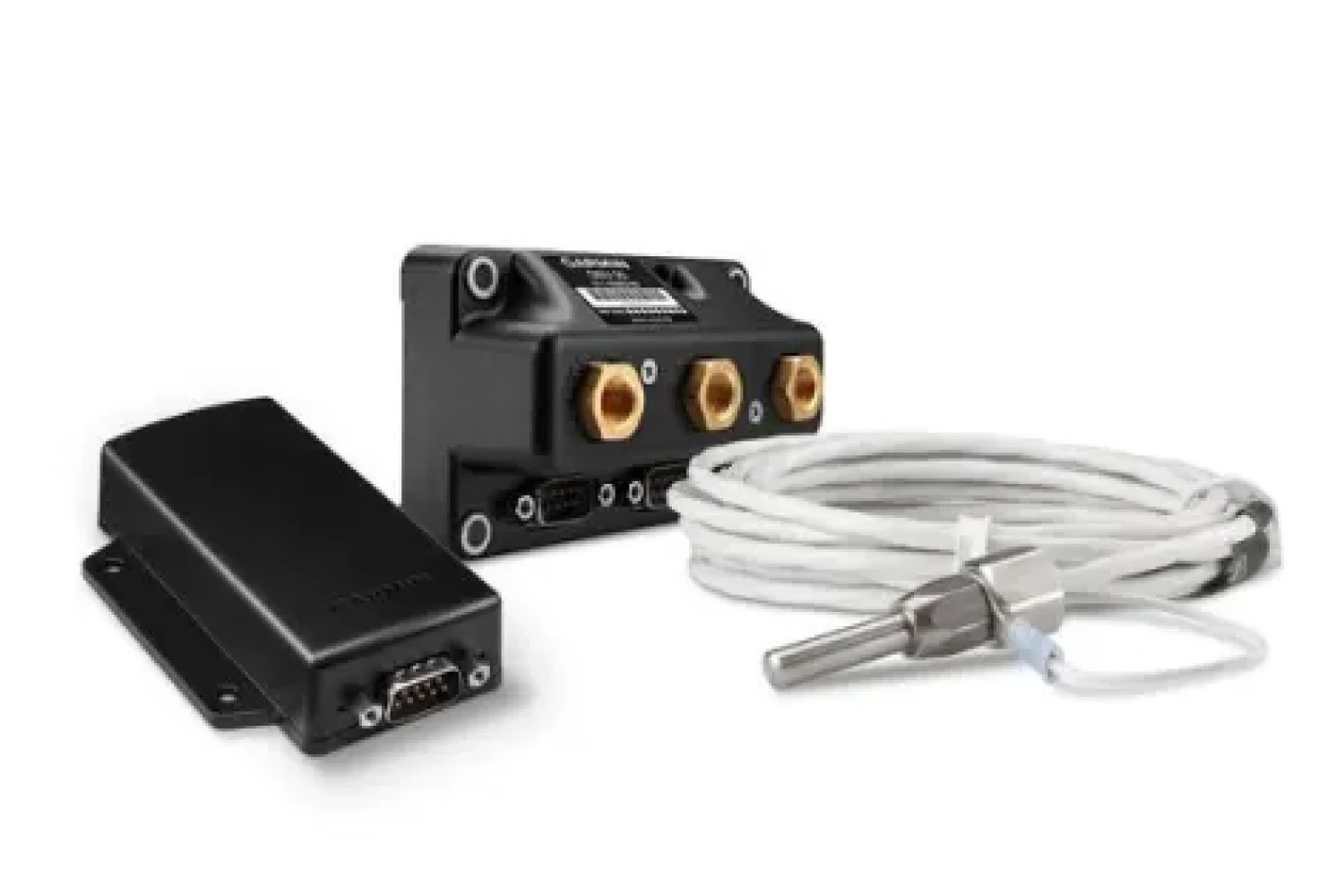
You can enable EIS by installing an engine interface adapter and sensors. You can also expand the capabilities of your aircraft by adding a standby flight instrument, autopilot, datalinks, transponder and more.

Out of Stock

Recenzii

Momentan nu există recenzii ale clienților.

Recenziile pot fi plasate de clienții care au achiziționat acest produs

15 alte produse in aceeasi categorie: